 LEMO FM
5 Ways to Make Reading on iPhone Duo More Enjoyable
Getting ready to read on iPhone Duo doesn't have to start by downloading a whole bunch of reading apps. Selecting a piece of content, finding a comfortable layout, and leaving a small gap for reading that is not occupied by messages is already a good starting point.
Translated automatically from the Chinese original. Read the Chinese original
 LEMO FM / IPHONE DUO
Screenshots show the app interface in this language.
01 / Select the content first, then the reader
If a book is already on your usual platform, stick with the original reader first. Migrating your device does not mean you have to move your library. To get started with Apple Books, you can find the book you want or sample it before deciding whether to buy it.
Set yourself a small goal: read one section, figure out one question, or read ten minutes a day during your lunch break. Compared with "read a lot of books this year", these arrangements are more likely to appear in real life.
02 / Adjust text size and brightness for comfort
After getting the mobile phone, open the book pages in the usual holding posture to see if the characters are too small, the lines are too long, and whether the fingers are easy to accidentally touch. Don’t force reading just to display more words; layout that allows for natural reading is more important.
Which horizontal, expanded or layout options are supported by the reading app, please refer to the current version. This article does not list a certain reader as an iPhone Duo-specific adaptation product, nor does it assume that all interfaces have the same layout.
03 / Keep notifications from interrupting your reading
You can set up settings suitable for reading in iPhone focus mode, keep notifications for important contacts, and put reminders that you don’t need to deal with for a short time to later. Try it for ten minutes for the first time. There is no need to completely isolate yourself from the outside world.
Place the reader where it is easy to find, and move short videos and social feeds off the same screen. Making it easier to open a book than a recommendation page is a very specific home screen adjustment.
04 / Try rain sounds from LEMO FM, or enjoy the silence
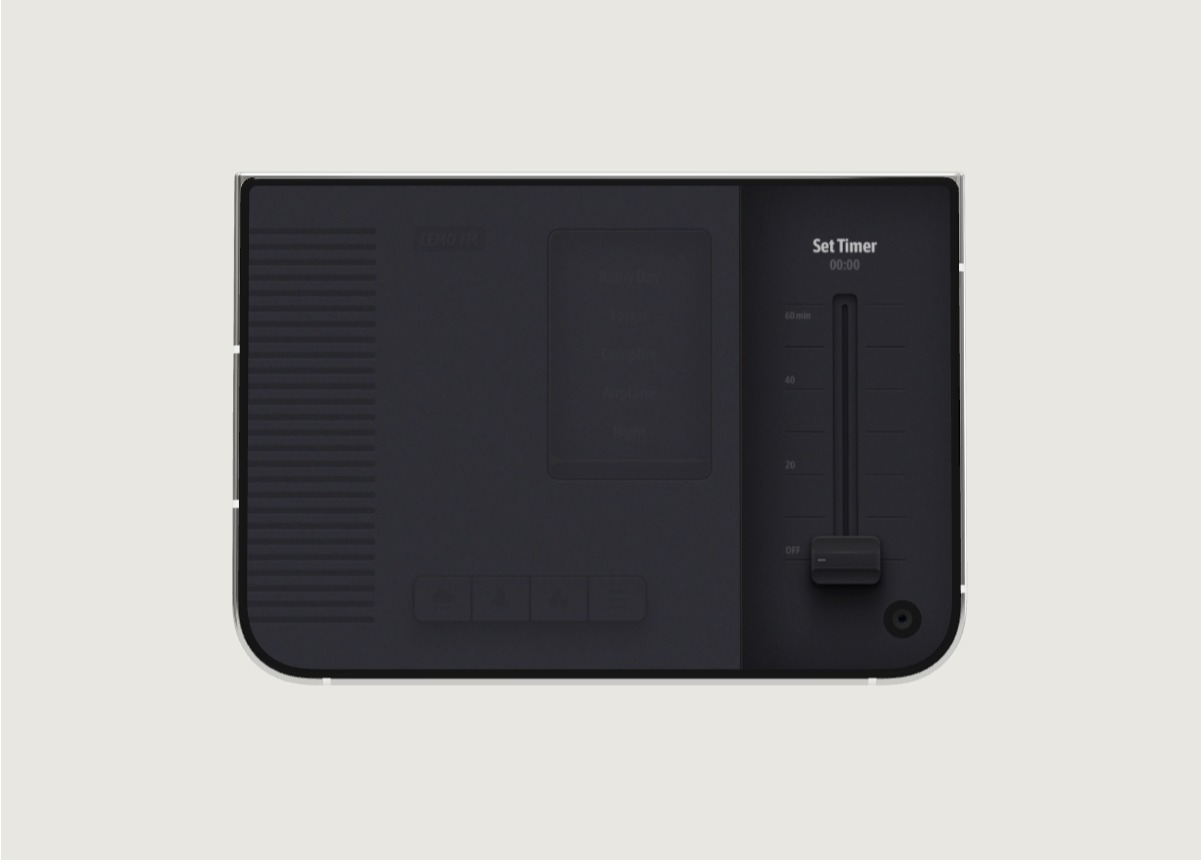
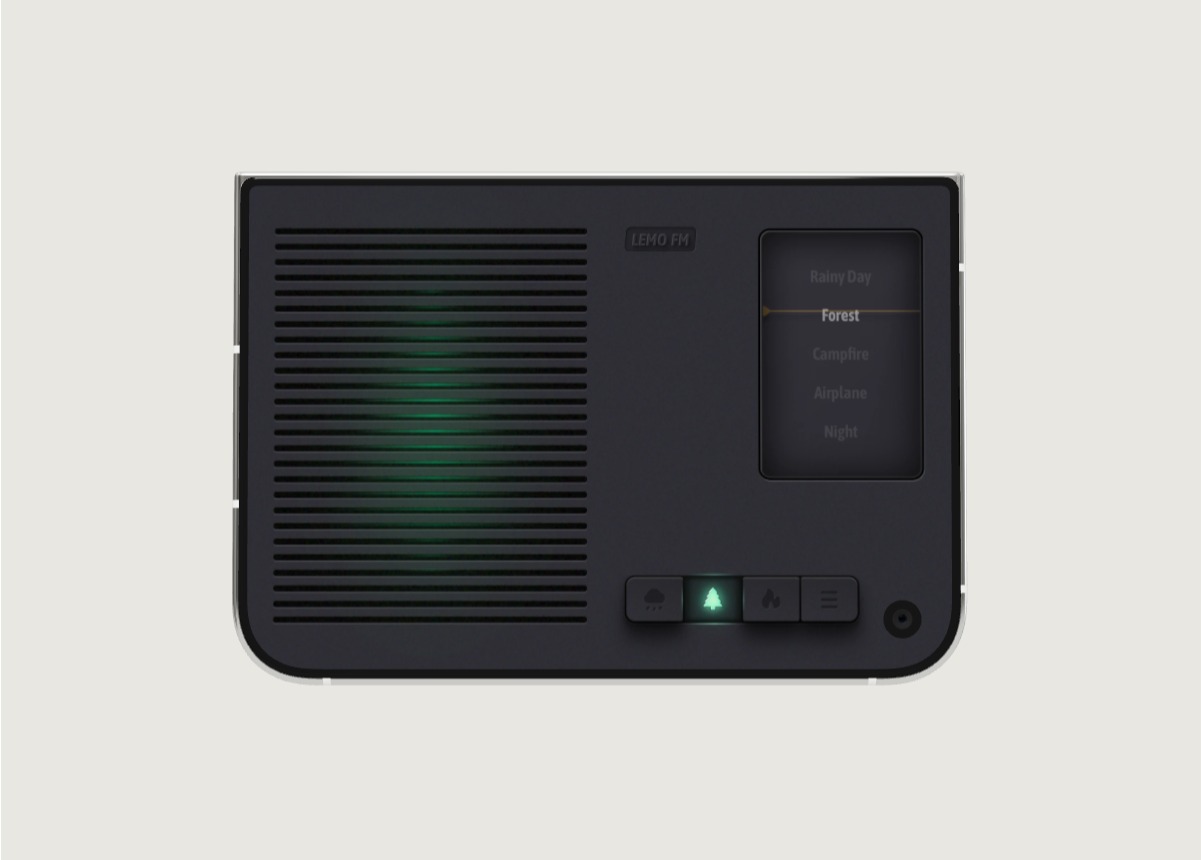
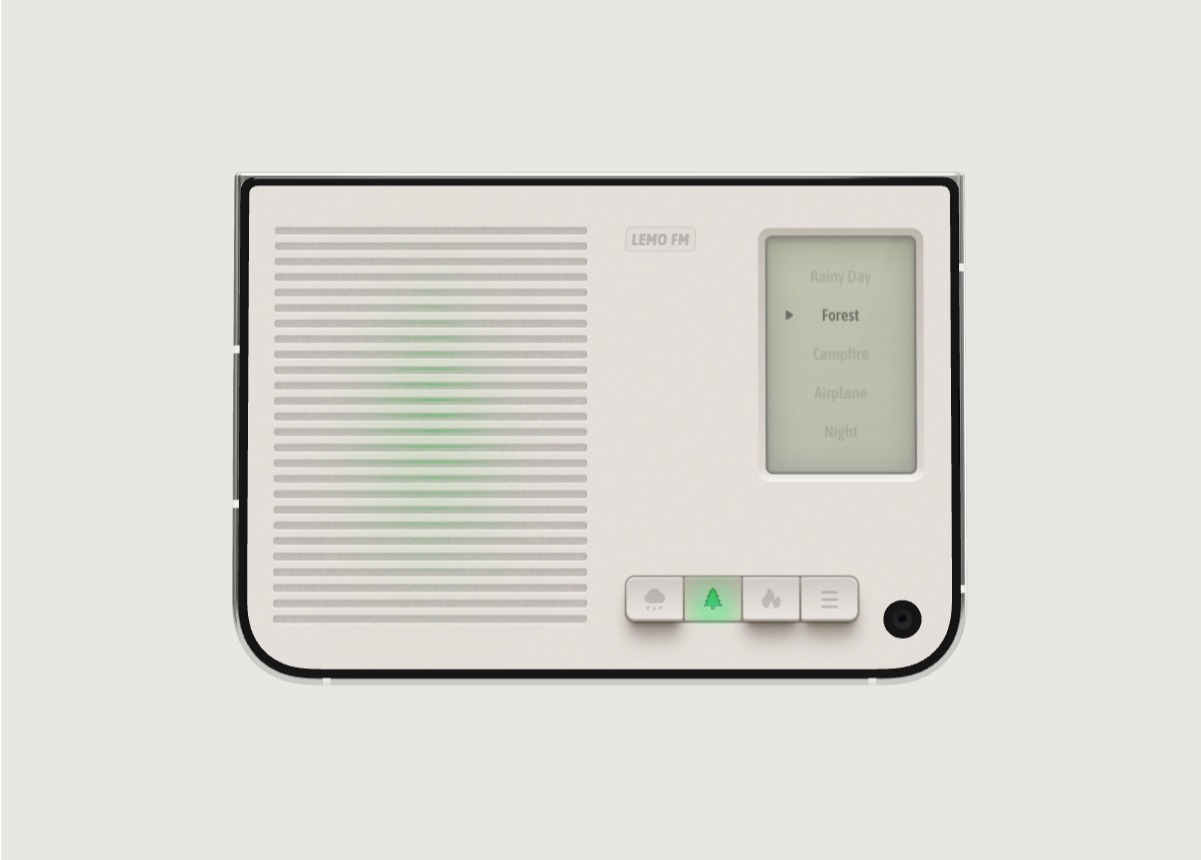
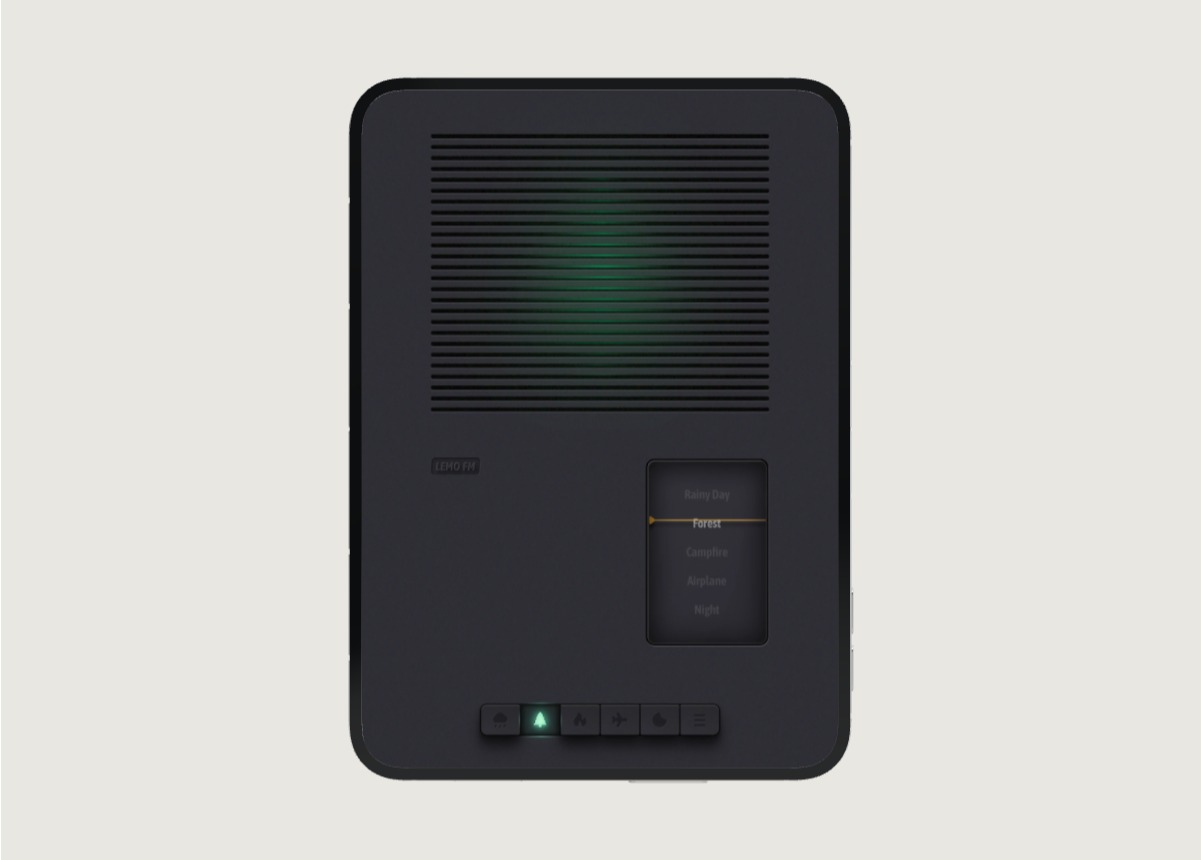
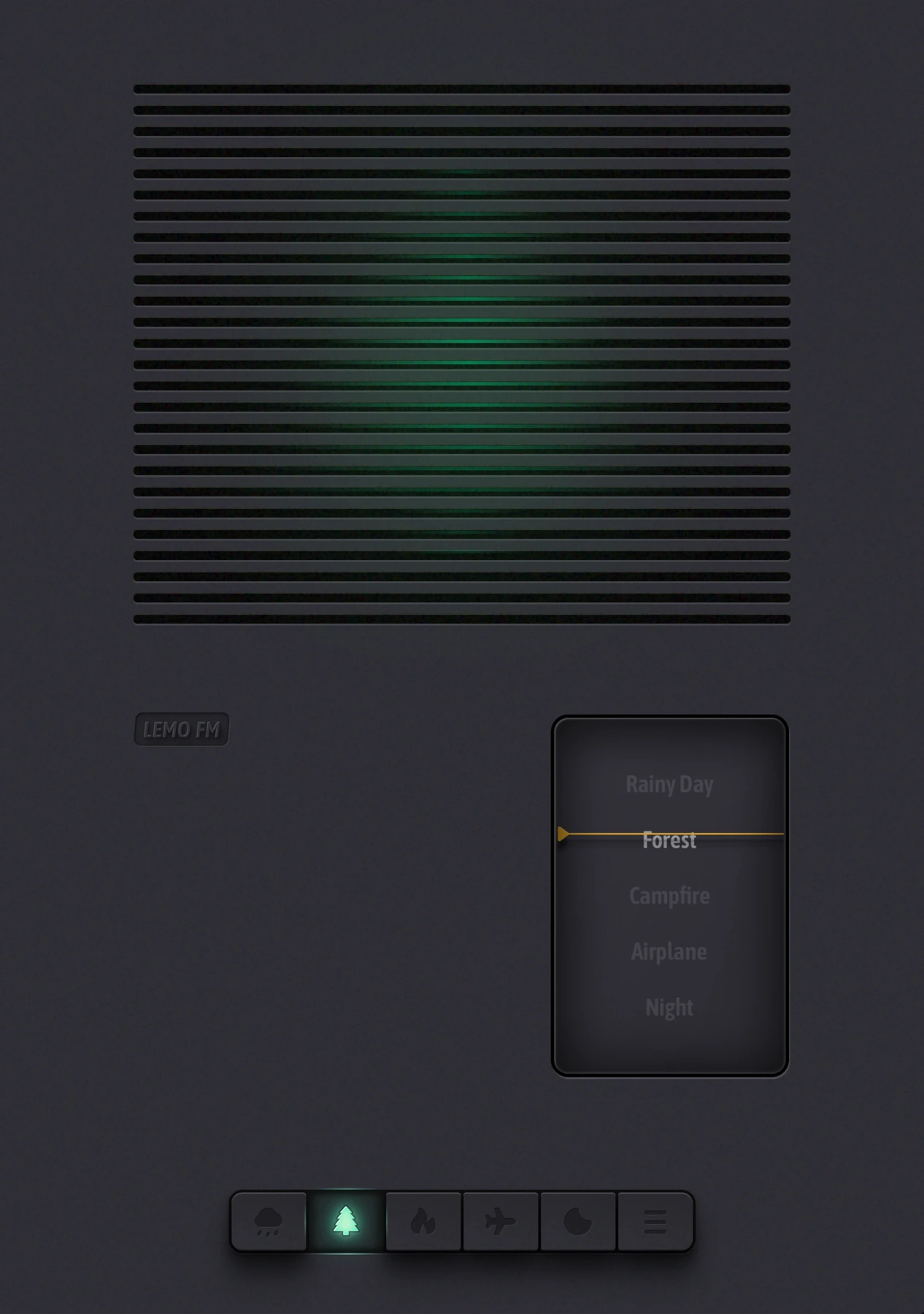
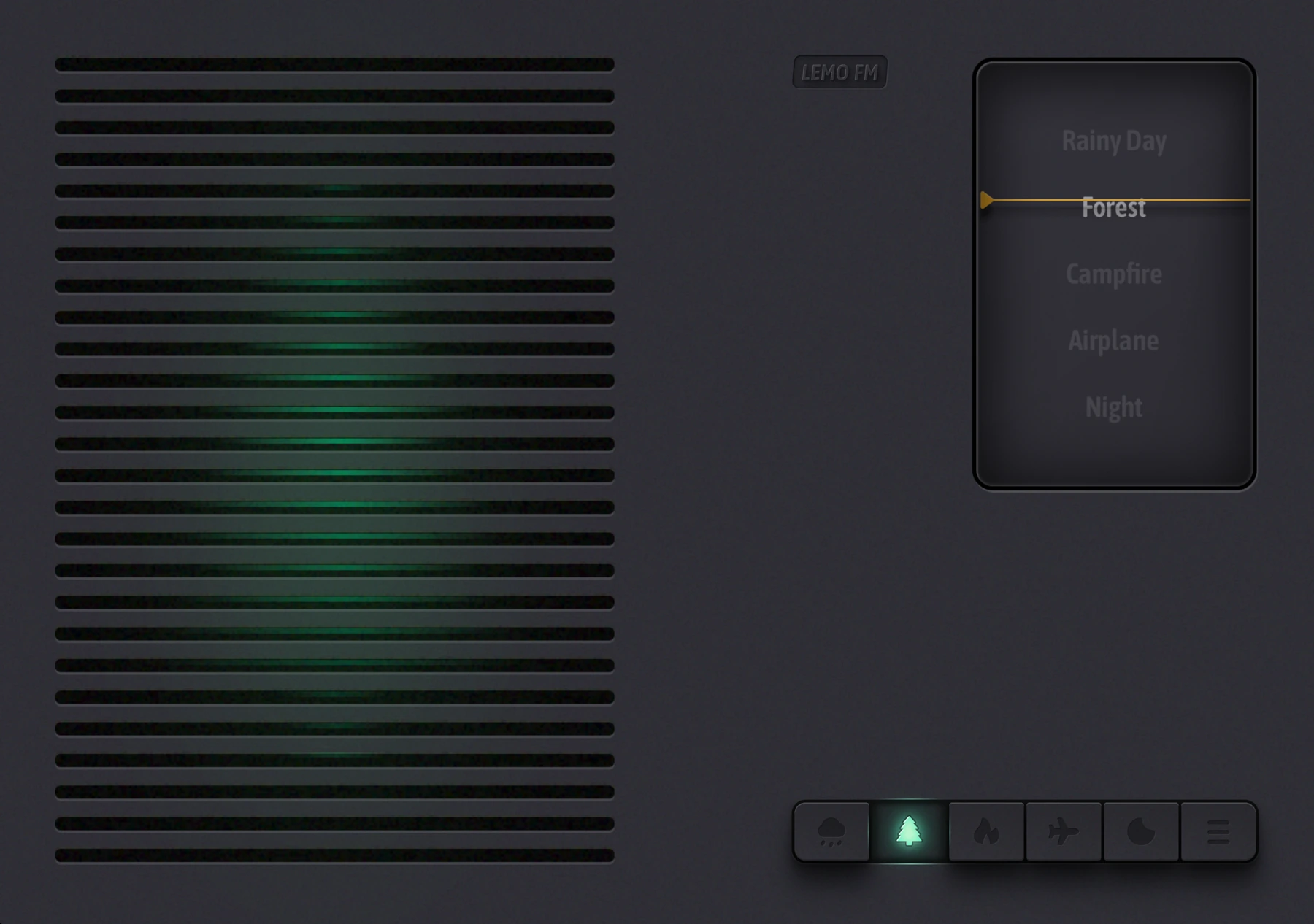
If you like natural ambient sounds while reading, you can try listening to rainy days or forests on lemo.fm before deciding whether to use the app. Don't change soundscapes frequently while reading. Reserve one selection for a complete short paragraph.
When listening to audiobooks, you can usually keep just the sound of the book. Ambient sound is not a necessity and does not need to be played all the time. If you prefer silence when reading complex content, just turn it off.
05 / Write one sentence in your own words
After reading, close the original text and write in your own words "What did this section make me think of?" You can write it down in the system memo or Notion. Rather than underlining each sentence, leave one question that you really plan to continue thinking about.
Before you open the book next time, read this sentence first, and then continue reading. In this way, the books on your phone are not just part of your favorites, but a gateway to your last thoughts.
FAQ
Do I have to buy a new reading app?
Not necessarily. Use existing book libraries and readers to confirm your content needs first, and then compare other options.
Can the sound of rain definitely improve reading efficiency?
This cannot be guaranteed. Whether you like the sound background depends on the person and the task. You can try it for a short period of time and decide how comfortable you feel when reading.
Information verification:Apple iPhone Duo official introduction · LEMO FM store page. Date checked: October 19, 2026.
Editorial approach and corrections →