 LEMO FM
A Quieter Evening with Your iPhone and LEMO FM
It’s easy for people to look at new phones for a while: trying out functions, changing wallpapers, and flipping through apps. At night, you can give it another role - a simple voice entrance to accompany you to finish the day, and then put the screen down.
Translated automatically from the Chinese original. Read the Chinese original
 LEMO FM / IPHONE DUO
Screenshots show the app interface in this language.
Put what you need to do tomorrow on your list in advance
Things that suddenly come to mind before going to bed do not necessarily need to be resolved that night. You can write down an action to be done tomorrow in the memo or task app, and then exit. Let the list capture your ideas and create a boundary for tonight’s work.
If you need to check your schedule, just check first thing tomorrow morning. Don't turn "taking a look at tomorrow's schedule" into redoing the entire project plan; the goal of closing is to end it, not to start another task.
Deal with notifications first, then choose sounds
Check the contacts and reminders you need to keep at night in Focus Mode on iPhone. Important calls and the next day’s alarm clock should be confirmed according to your own needs. You should also check them after the first configuration. Don’t just rely on your imagination to judge that the settings have taken effect.
Arrange the charging location, alarm clock and items needed for the next day, and then decide whether to play the sound. This eliminates the need to repeatedly pick up your phone after selecting a soundscape.
Give LEMO FM a simple role
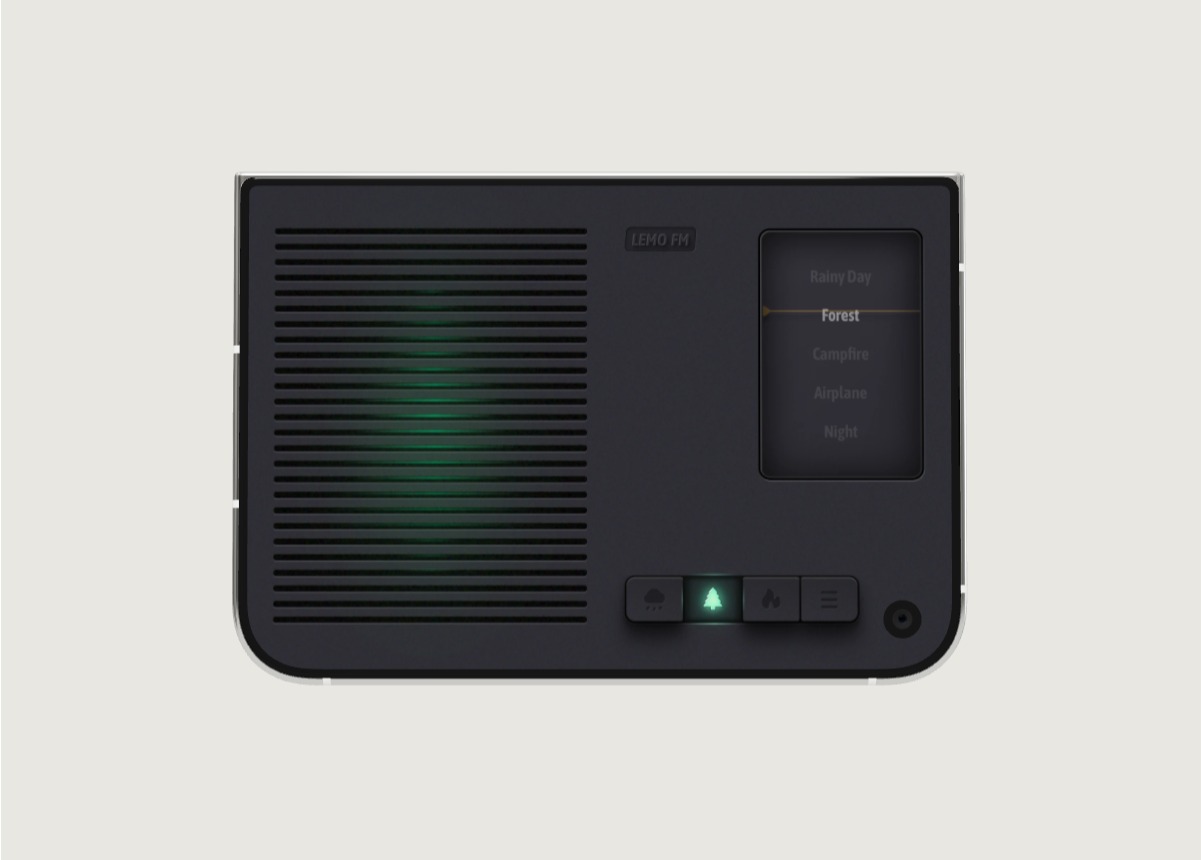
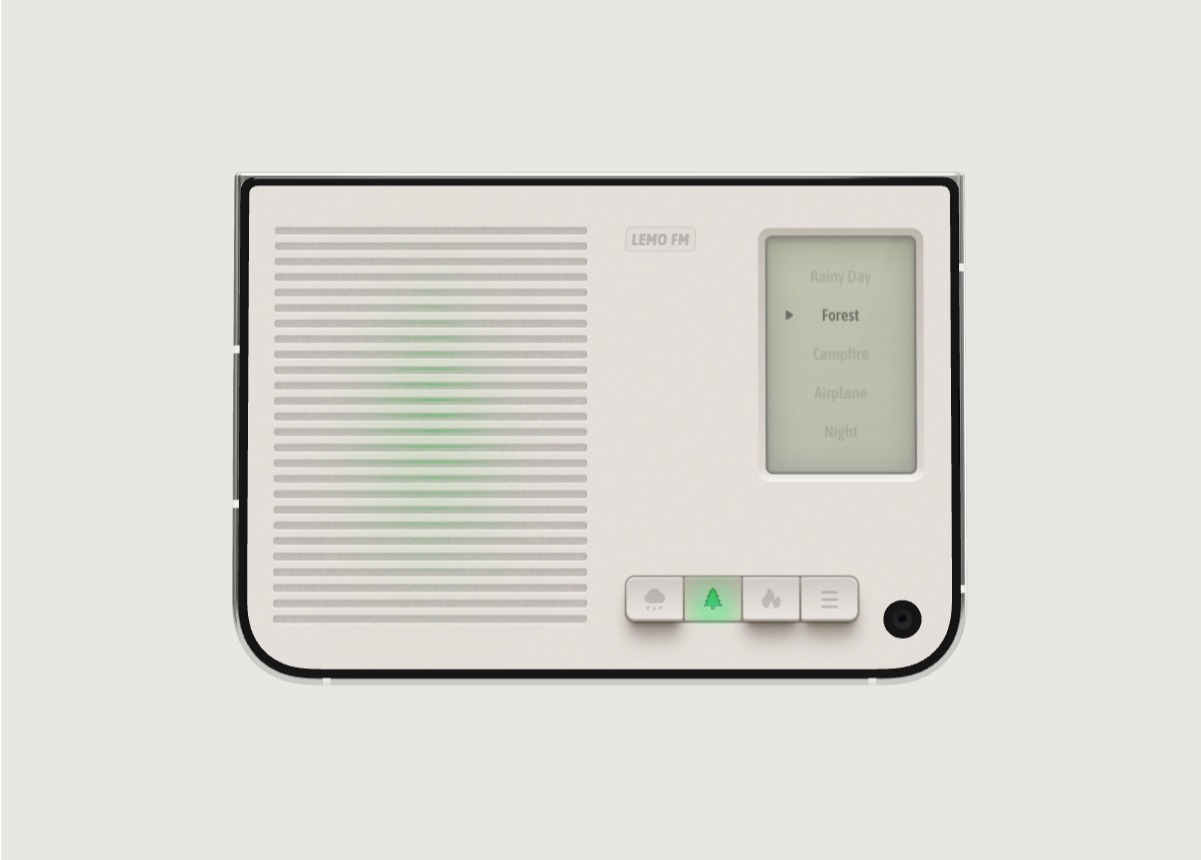
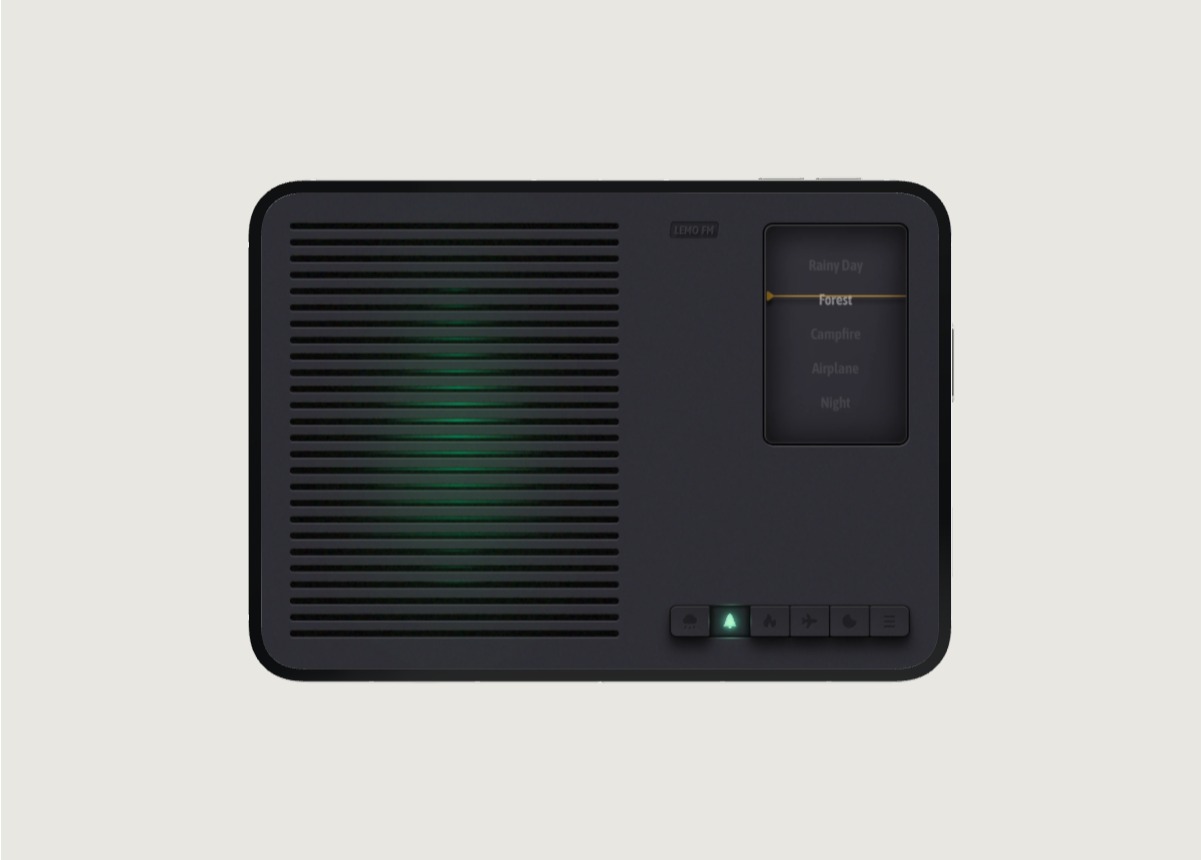
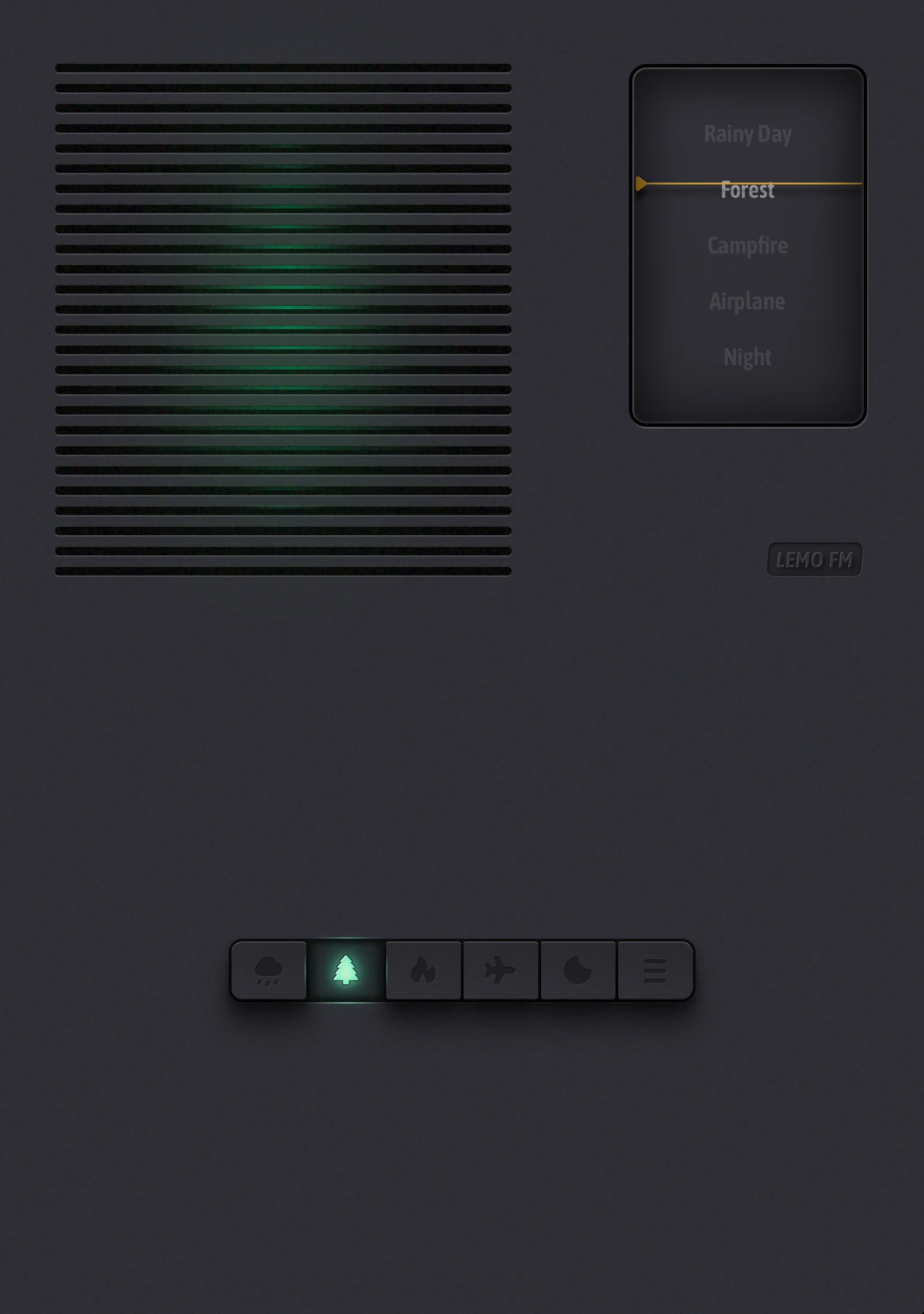
LEMO FM's natural sounds and radio-like interface serve as a sonic portal for evening relaxation. First try out campfire, rainy day or night on the official website and choose the one you like; you don’t have to search for a long time about “which one is best for bedtime”.
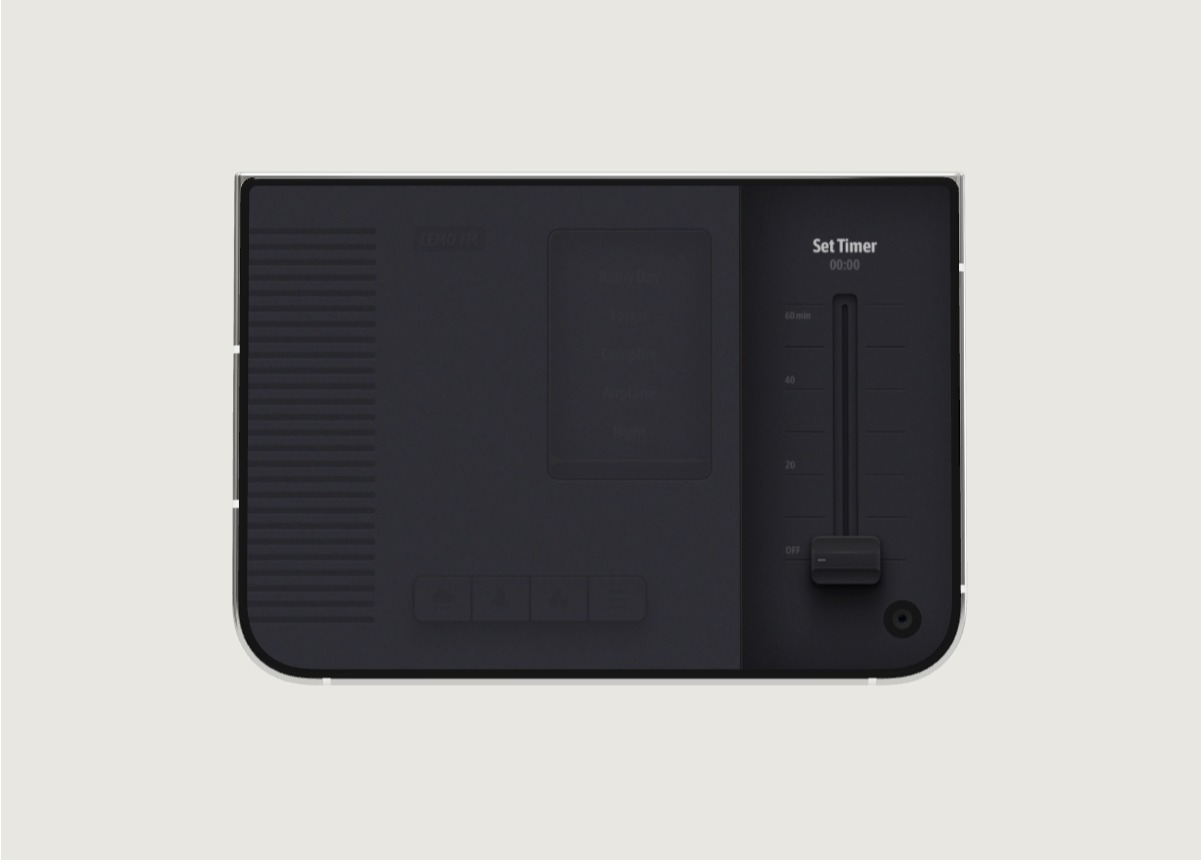
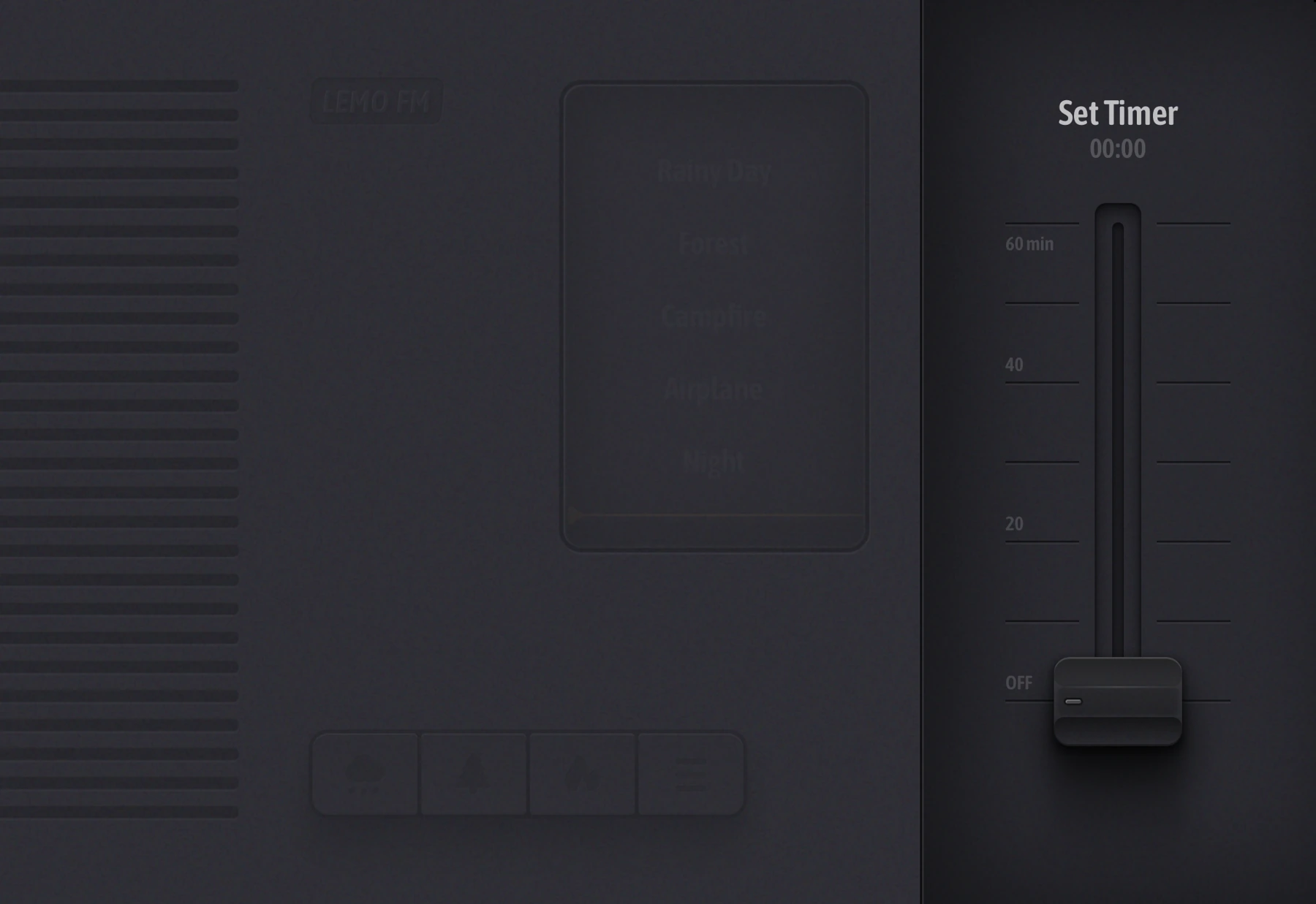
After setting it up, turn the volume up to a comfortable level. If the current App version provides scheduled stop, you can use it according to your own arrangement, and first confirm the behavior after the timer expires. If you are comfortable without any sound, just choose quiet.
Use your phone to wind down, then put it away
After completing the last operation, place the phone in a stable position. When you want to watch something more, you can put that idea on your list for tomorrow instead of opening another round of recommendations. You can also choose a paper book or simply tidy up the room as a finishing activity that does not require continuing to operate the screen.
You don’t have to expect perfection the first night. Start by cutting out one unintended opening and slowly find an evening rhythm that suits you. This article shares daily usage and does not promise that natural sounds will improve insomnia or other health problems.
FAQ
Is LEMO FM a tool for treating insomnia?
This article introduces it as a natural environment sound and daily relaxation tool. It does not use it as a medical tool, nor does it promise therapeutic effects.
Does it have to be played all night?
No need. You can only play it at the end of the activity and close it after the end; whether to use it and how long to play it depends on your preference.
Information verification:Apple iPhone Duo official introduction · LEMO FM store page. Date checked: October 19, 2026.
Editorial approach and corrections →