 LEMO FM
How to Organize Your iPhone Duo Home Screen
The best time to tidy up after switching to another computer is before you copy the old home screen as it is. You can decide again: which apps you want to see every day, which ones you open only when needed, and whether there is an entry point in your phone to slow yourself down.
Translated automatically from the Chinese original. Read the Chinese original
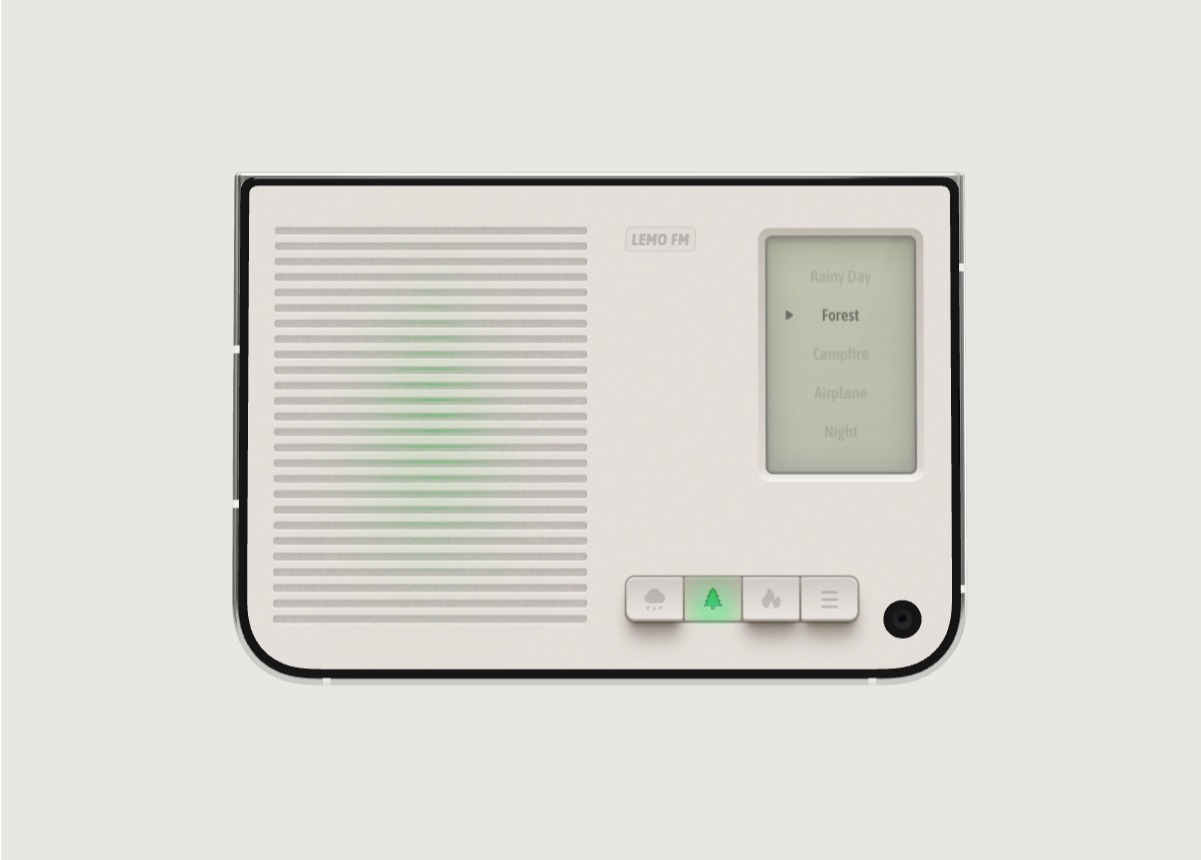 LEMO FM / IPHONE DUO
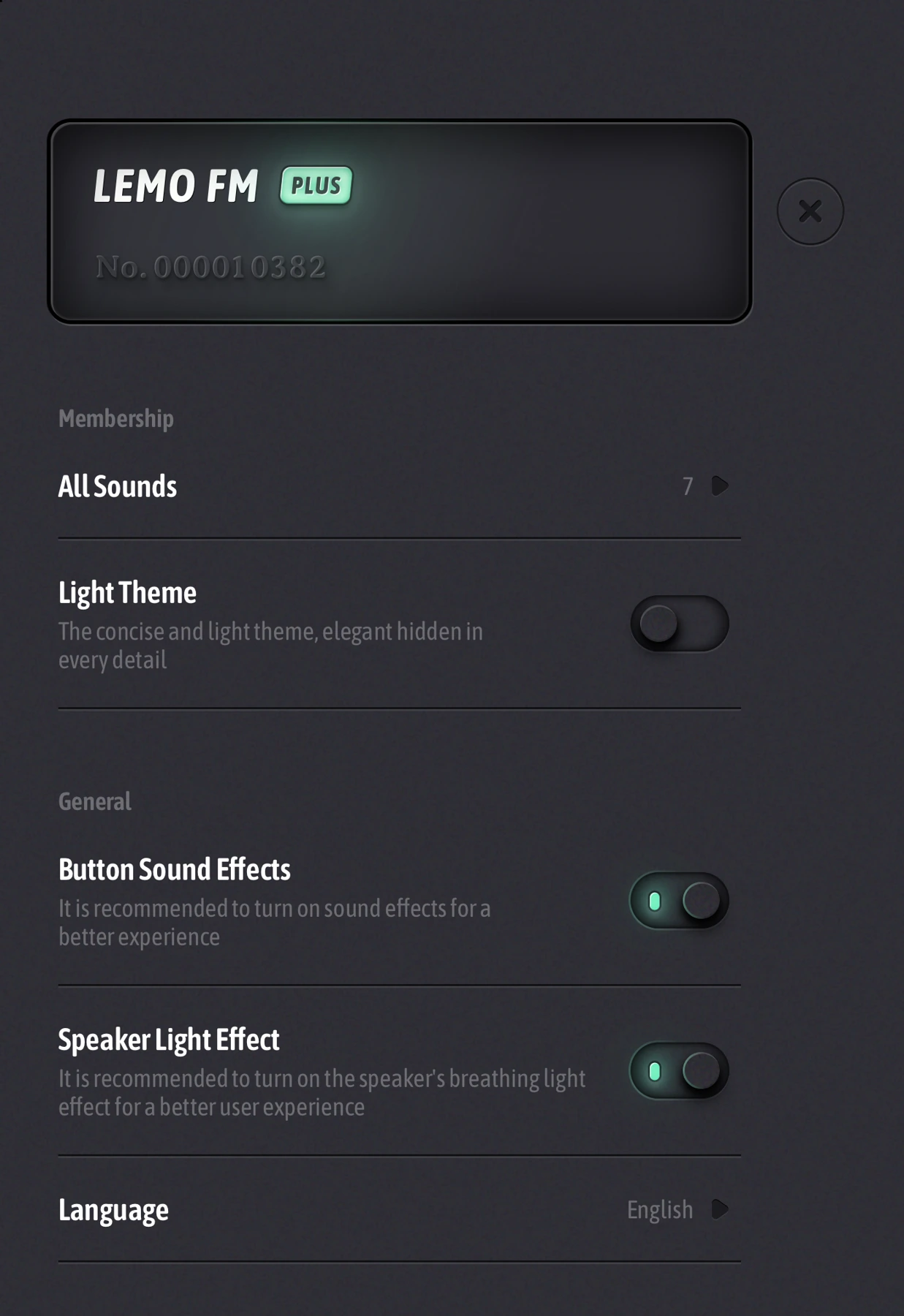
Screenshots show the app interface in this language.
Start with four categories of daily actions
Think of your home screen as your daily directory: who you’re connected to, what you’re going to do next, what you’re watching, and your choices during breaks. For each category, one or two of the most commonly used entries are listed first, and other applications can be found through search or the App Resource Library.
Don’t hide necessary tools too deeply just to keep your screenshots neat. Whether you need to keep maps, payments, or important communications tools close at hand should be determined by how often you use them.
Choose one go-to app for each task
If you have multiple to-do or note-taking tools installed at the same time, choose one as the default entry for this week. You can use Todoist to manage actions and Notion to manage data, or you can use existing tools to process both. The key is that each type of content has a clear destination.
Moving out of the home screen is a different operation than deleting an app. Before organizing, confirm whether there is data that is only saved on the local machine. Do not turn home screen cleaning into a record of accidental loss.
Keep notifications useful
Check apps that frequently interrupt you one by one: which reminders must be seen immediately and which ones can be opened proactively. Then set the focus mode according to the working, reading or resting scene, so that the reminder boundary fits your life.
Adjust one source of the most annoyance first rather than shutting them all down in one fell swoop. Use two or three days to observe whether any important information is missed, and then continue to fine-tune.
Make it easy to take a break
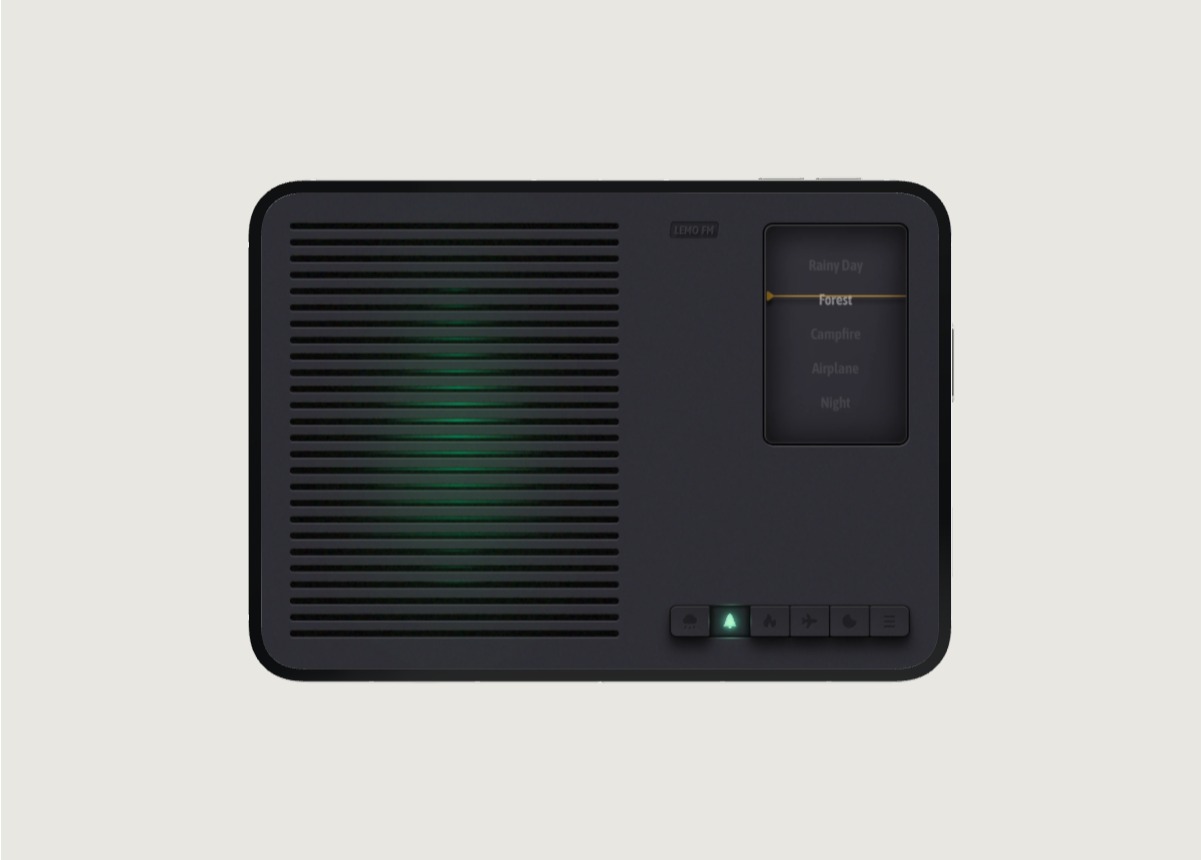
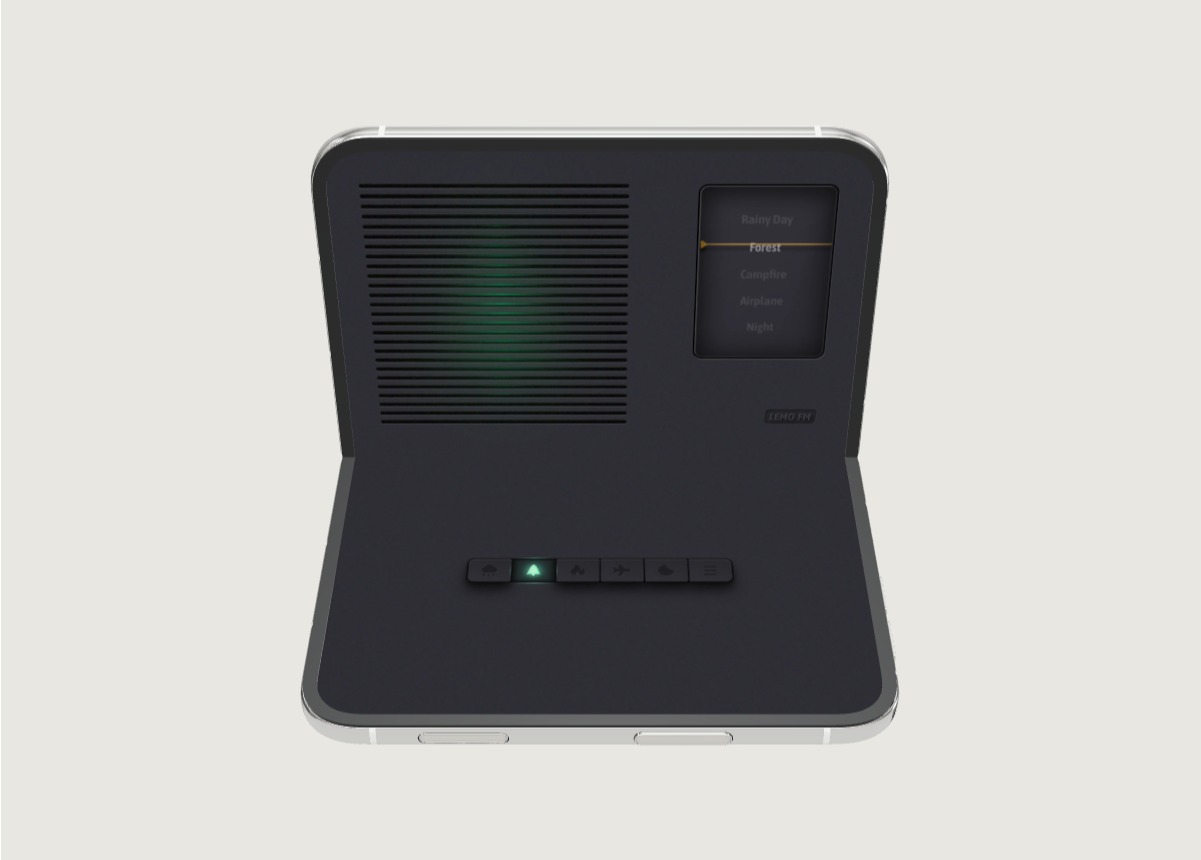
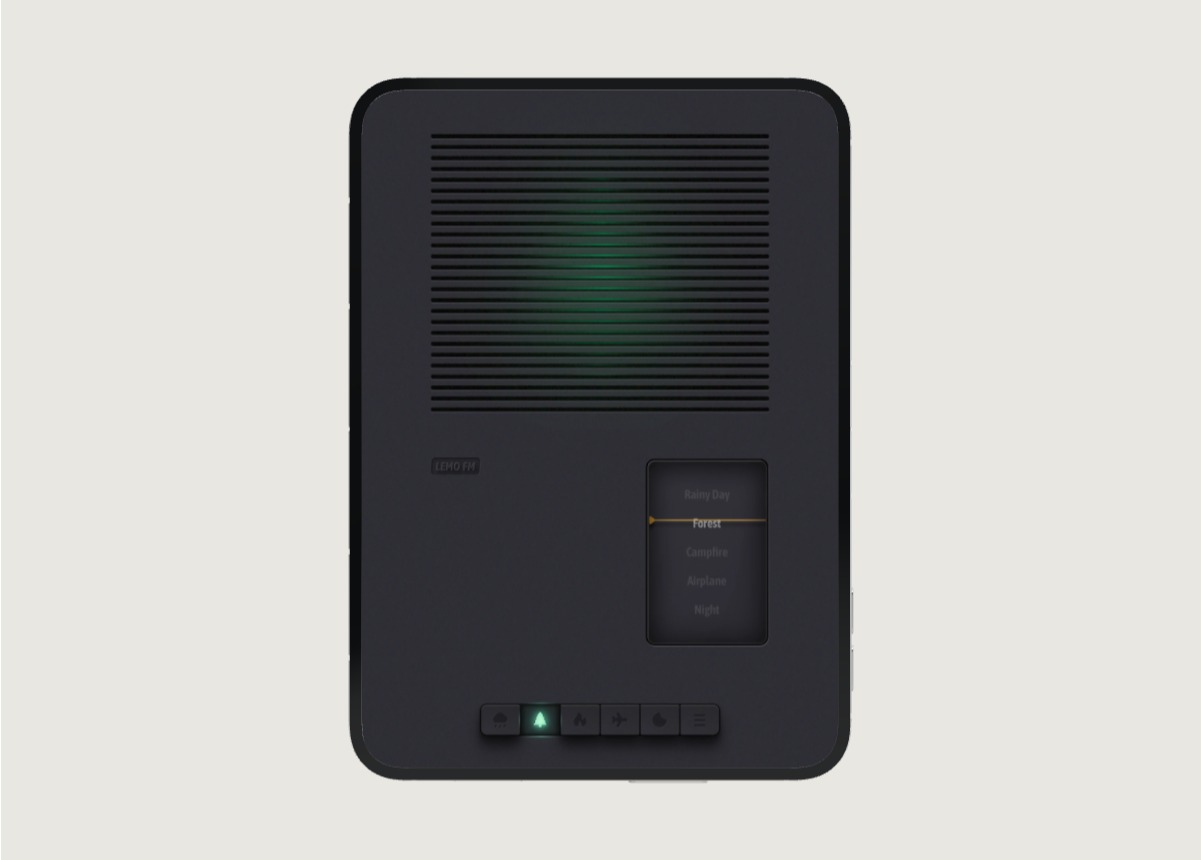
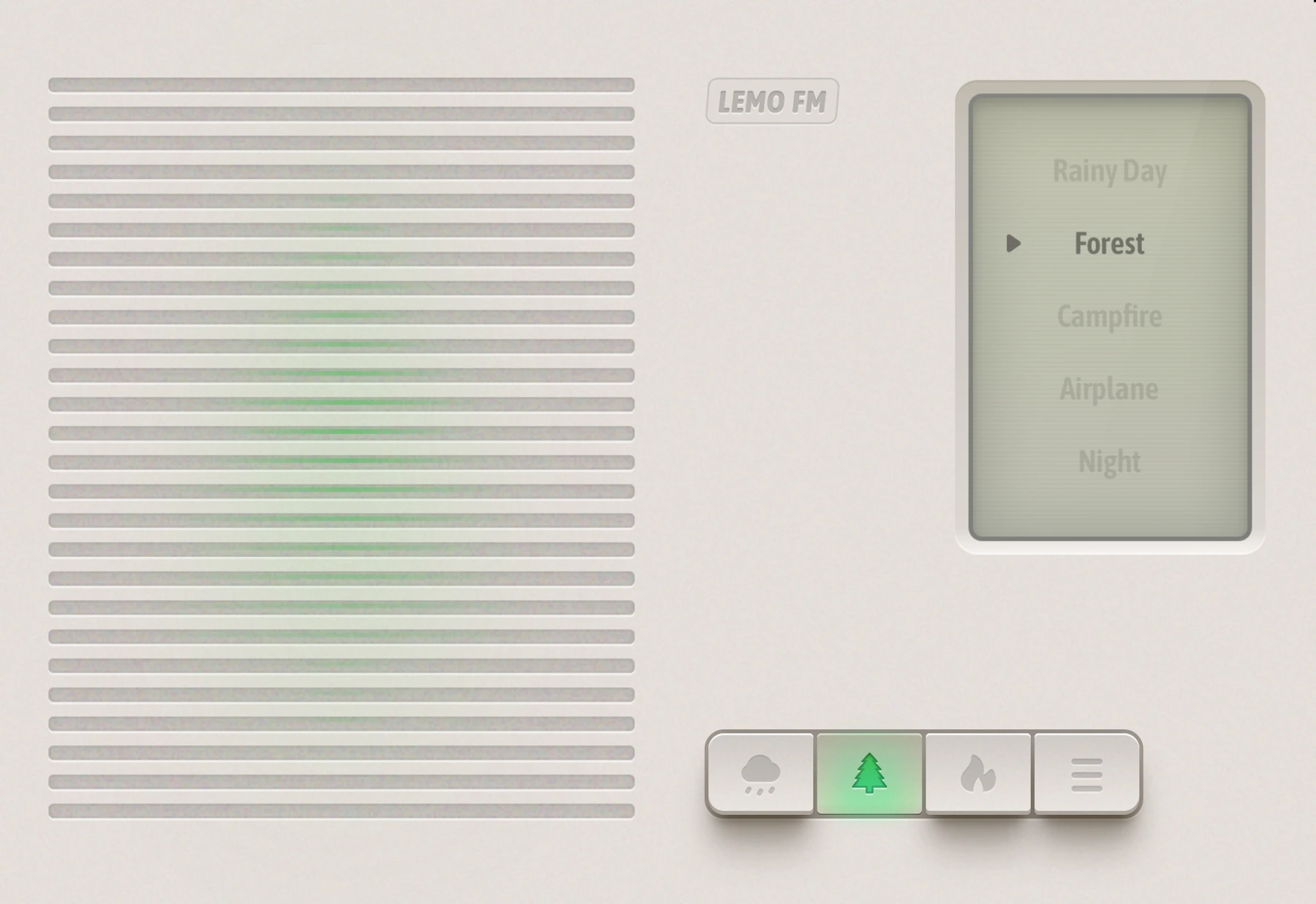
There is usually no shortage of work and entertainment applications on the home screen, but there may not be an "I want to stop for a while now" option. If you like natural sounds, you can put LEMO FM next to your reader or into a self-named rest folder.
The point of this is not to make you open your phone more often, but to make a specific choice easier to find: play your favorite ambient sound, read a few pages of a book, or finish the day. This slot can also be reserved for music tools you already like.
Revisit your layout after a week
Take a look at which apps you open every day and which ones stay on your first screen just because their icons look good. Remove those that are not commonly used, bring those that are always searched to the front, and recheck whether there are duplicate entries.
The specific layout and app display behavior of iPhone Duo should be subject to the current system of the device. This organization method doesn't rely on a fixed grid or require the use of special widgets; it's based on how easily you can find what you need.
FAQ
Do I need to copy someone else’s home screen?
No need. Apps commonly used by others may not be suitable for you. It is more practical to organize them according to your own actions and frequency of use.
Where is it recommended to place LEMO FM?
If you often use it when reading or resting, you can put it next to the reader; if you use it occasionally, put it in a folder or open it through search. There is no need to occupy the first screen for recommendation.
Information verification:Apple iPhone Duo official introduction · LEMO FM store page. Date checked: October 19, 2026.
Editorial approach and corrections →