 LEMO FM
Travel with iPhone Duo: Apps & a Pre-Trip Checklist
The most practical mobile phone during a journey is often not the one with the most installed ones, but the one that can quickly find tickets, hotel addresses and the next route. After getting the new iPhone, prepare these little things first, and then leave some space for reading and resting on the road.
Translated automatically from the Chinese original. Read the Chinese original
 LEMO FM / IPHONE DUO
Screenshots show the app interface in this language.
Maps: Select tools by destination
First confirm the commonly used map services for your destination, and then add hotels, stations and meeting points to your favorites. Google Maps is an option in some areas; if a destination is more suitable for local maps, stick with the local service. Recommended listings should not be more important than actual availability.
Save the hotel's original address and contact number. When you need offline maps, confirm in the app you are using whether the destination area supports downloading, and verify before departure. Do not assume that all maps can complete the same task when there is no network.
Files: Keep tickets and check-in details together
Create a folder for this trip in OneDrive or your existing file tool to organize orders, itineraries, and necessary documents. If you need content that can be read by this machine, you should use the corresponding offline function or save a copy, then disconnect it and open it again to confirm.
Just because there is a copy in the cloud does not mean that it has been downloaded locally. When personal documents or order information are involved, check the sharing scope and do not set the entire folder as a public link for convenience.
Content: A book or playlist is enough to get started
Pick something you really want to read for the road: a book, an audio program, or a playlist. If you need to use it offline, prepare in advance according to the download rules of the service and check your subscription, region and account status.
Put the three most frequently used apps during your trip on the same screen. There is no need to walk through a row of entertainment content when checking directions at short notice, and there is no need to constantly search for the last page you saw when taking a break.
Sound: Make an unfamiliar room feel a little more familiar
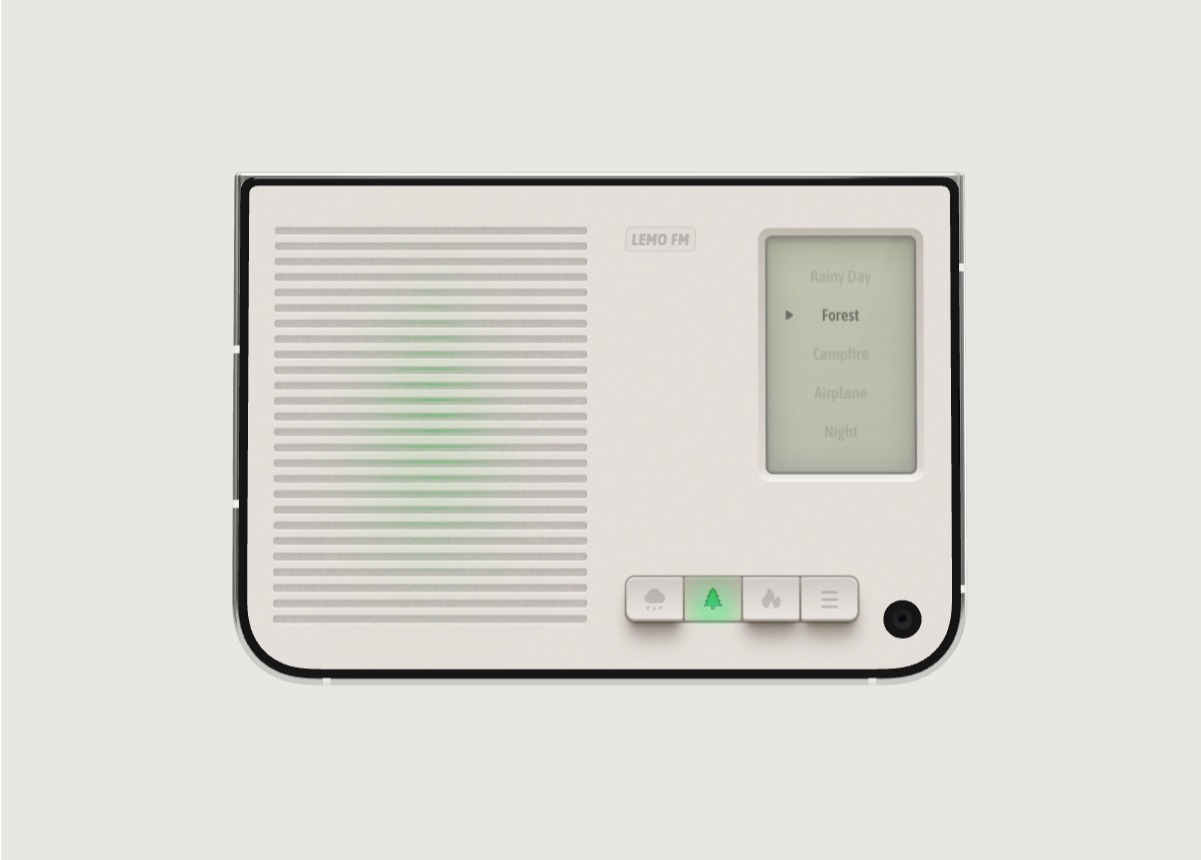
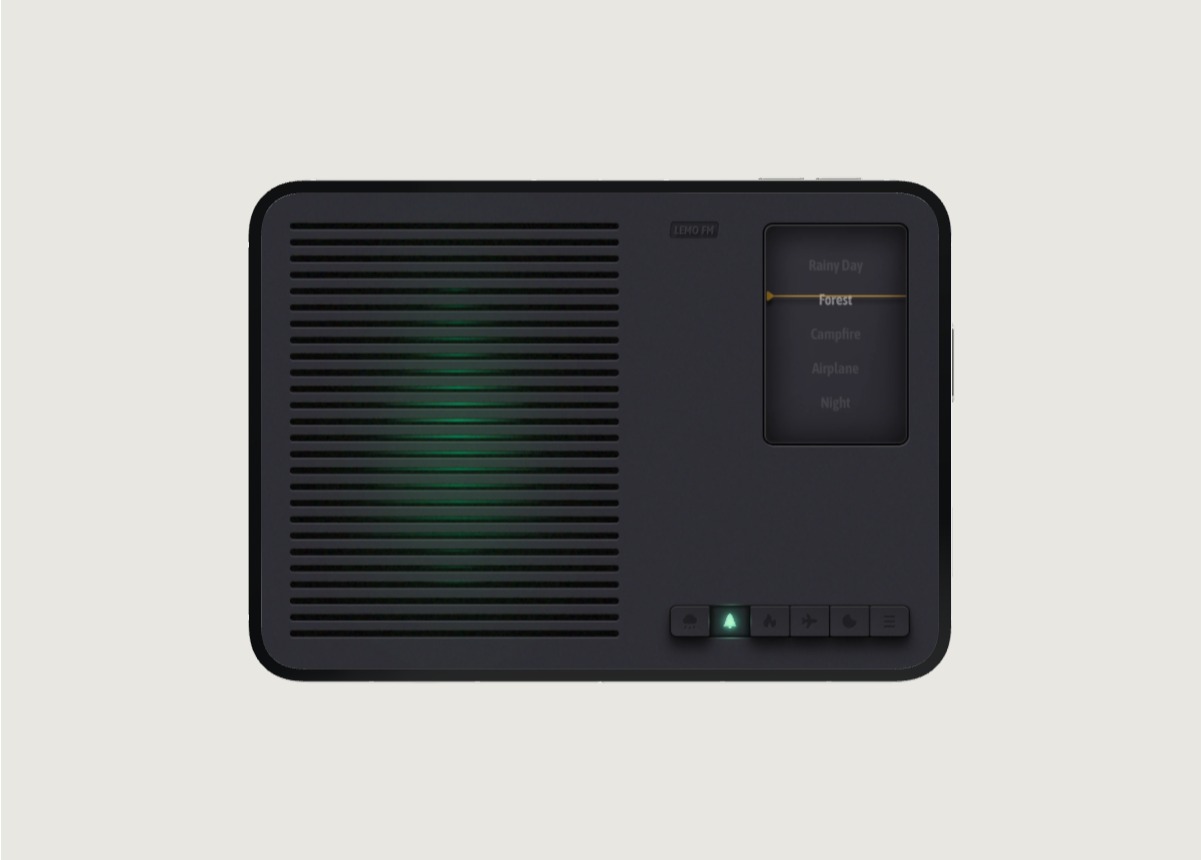
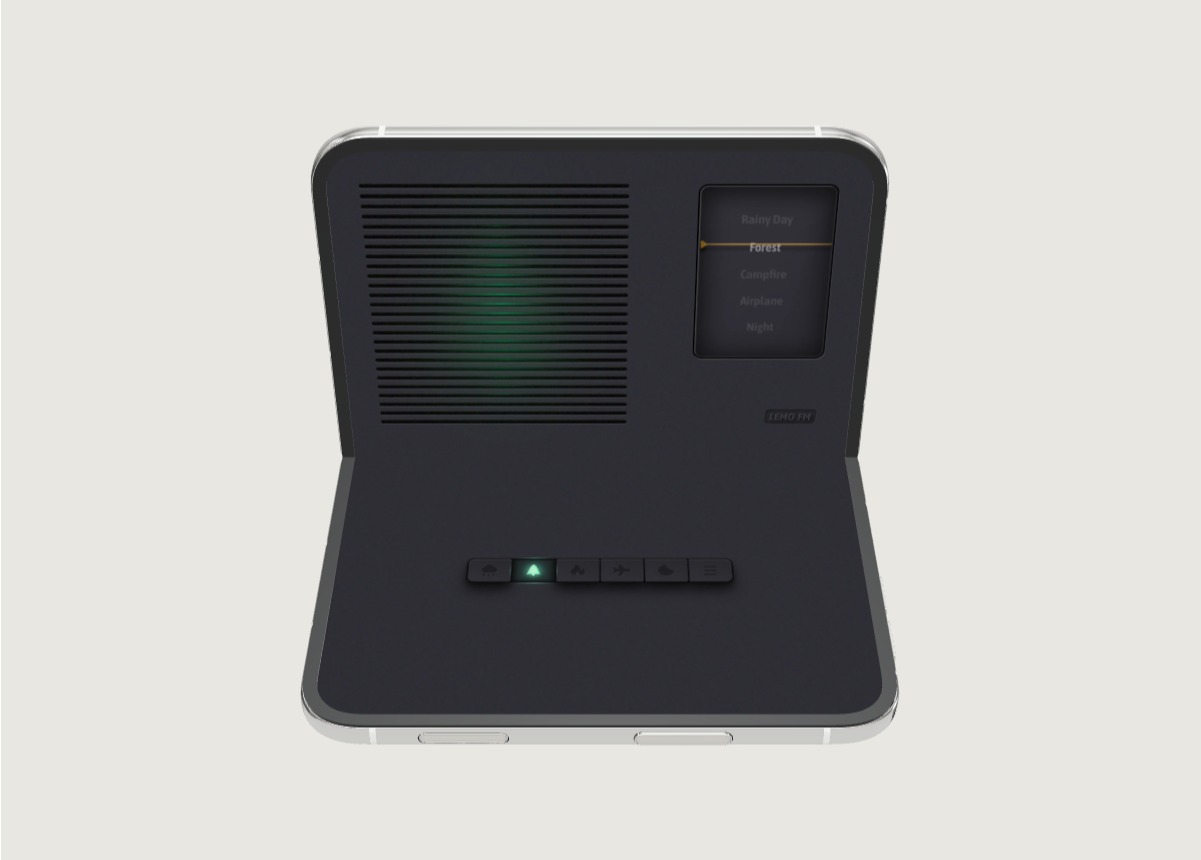
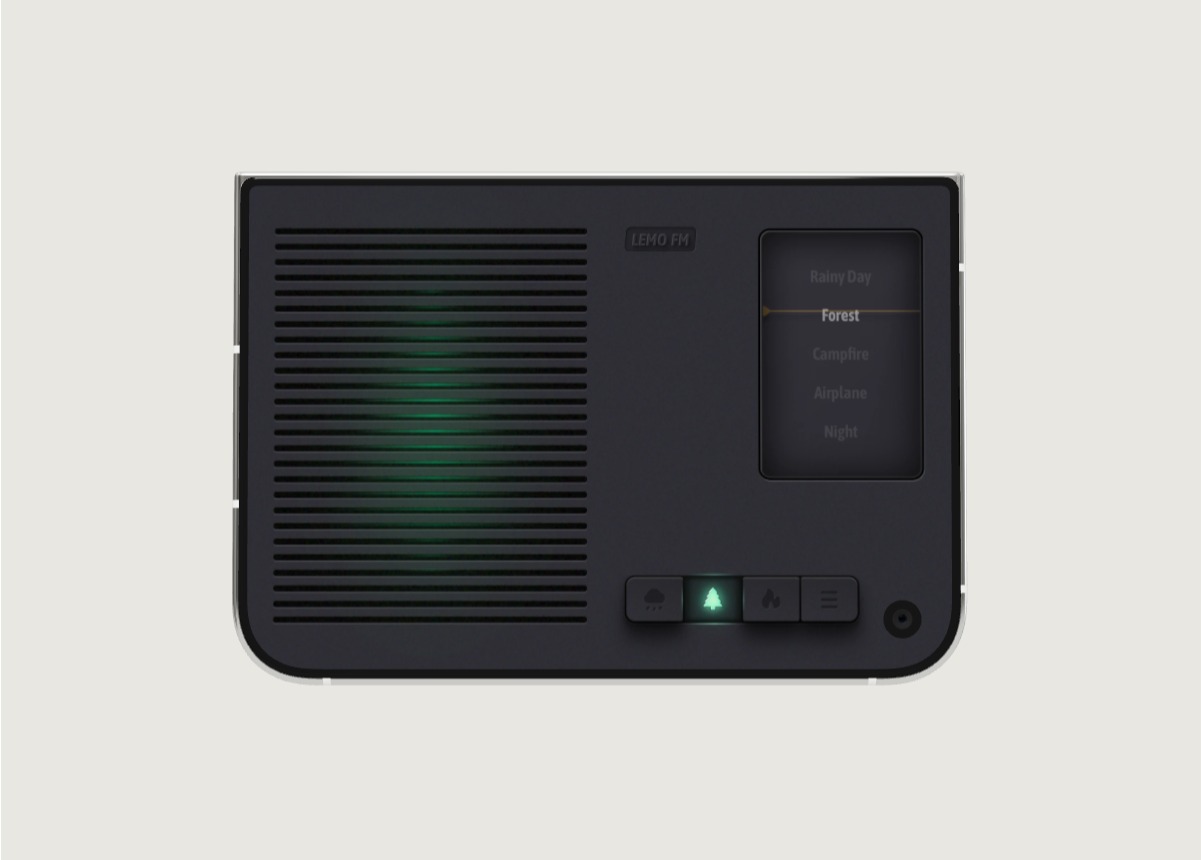
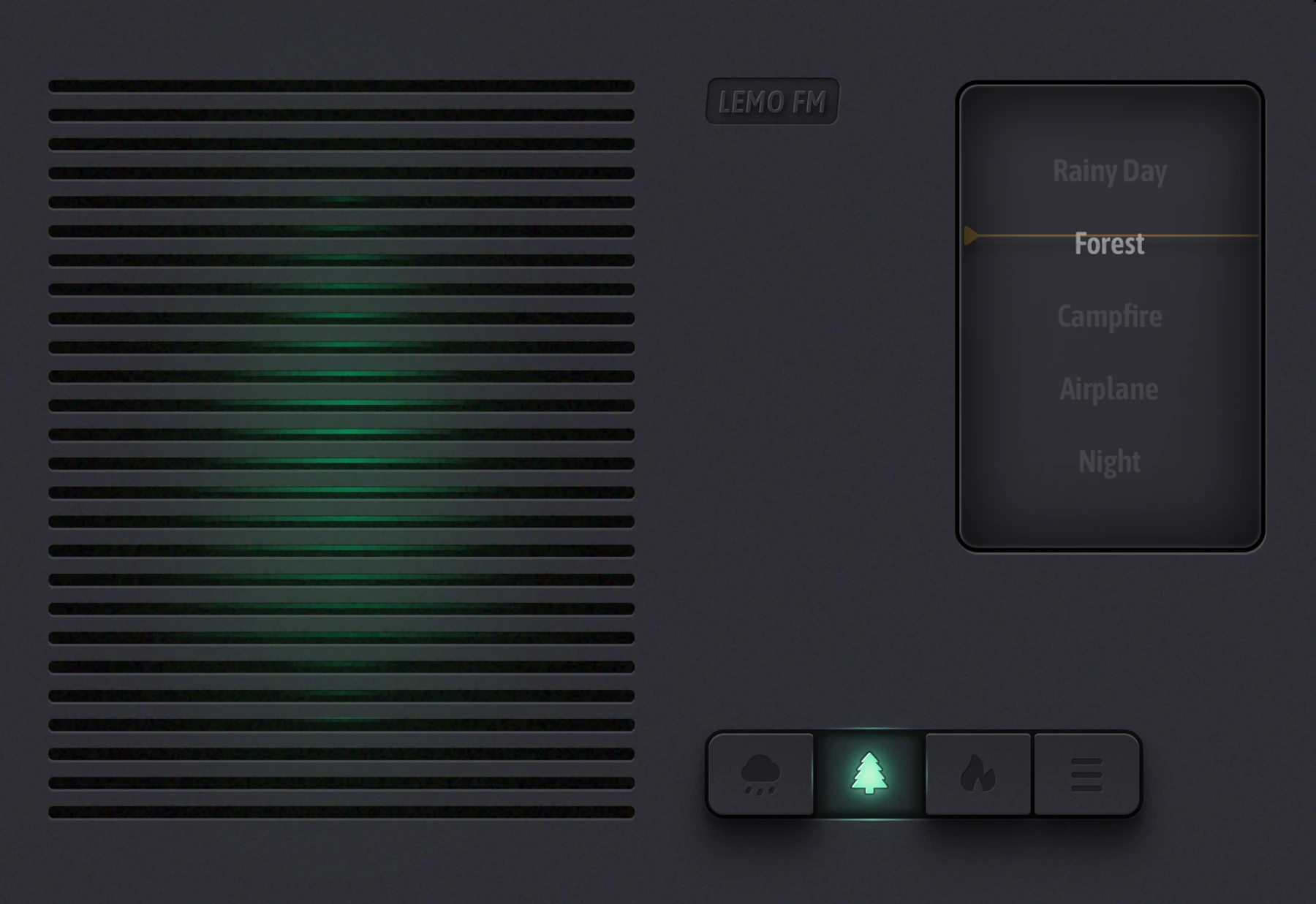
After arriving at the hotel and packing your luggage, you can turn on LEMO FM and choose a natural sound you like as a background when reading or organizing photos. It is recommended to listen to it on the official website first, and then decide whether to add it to your common travel applications.
Don’t assume that website audio can be played offline, and don’t rely on an app’s offline behavior without checking. If you plan to use it when there is no network, test it on the actual device and version before departure; when playing in a public space, pay attention to the people around you and the prompts you need to hear.
Before you go, take five minutes to complete a walkthrough
Open your hotel address, find your first ride ticket, review an important document, and try again with prepared reading or audio content. If any step cannot be found, adjust the entrance before departure.
Finally check the charging schedule and available storage space. Rather than walking out with a bunch of apps you’ve never opened, walk out the door with a simple set of processes that have been proven.
FAQ
Does this list apply to all destinations?
App services, map coverage, and network availability vary by region and should be selected by destination and cannot be assumed to be fully available.
Can the LEMO FM official website sound be listened to offline?
The trial listening on this website requires loading online audio, and there is no commitment to offline availability. Please check the actual offline behavior of the App on your own device in advance.
Information verification:Apple iPhone Duo official introduction · LEMO FM store page. Date checked: October 19, 2026.
Editorial approach and corrections →